
Features
Interactive Studio
The editor is prepared right after the page settles.
Video Fused Face Swap
Build a video face swap with multiple source photos of the same person, ideally including front, profile, and slight turn angles. The model can combine those views into a more comprehensive 3D facial representation, helping it preserve likeness more consistently through motion, angle changes, and longer clips in Face Identity Transfer workflows.
Single-image references are rarely sufficient for motion
Upload several source photos of the same person so the model sees front, profile, and slight turn views before it touches the target clip. That broader coverage usually reduces profile-view artifacts and supports more stable likeness during motion.
A more comprehensive 3D representation holds up better in motion
You can think of the fused workflow as helping the model build a more comprehensive 3D facial representation instead of relying on one flat source photo. That is why turns, profile views, and motion-heavy shots are more likely to retain cleaner structure, edges, and likeness.
Use a target reference face for crowded video scenes
Fused source images improve identity fidelity, and target reference face selection improves control over who gets replaced. In multi-person footage, choose a face from the target clip so the model applies your fused identity to the intended person during Identity Swap or Face Fusion style edits.
Trim clips before you generate
Select the exact part of the target video you want to swap so you can control cost, speed, and testing more precisely.
How to Use Video Fused Face Swap in 3 Steps
Step 1
Upload 2 to 5 source photos of the same person, ideally covering front, profile, and slight turn angles.
Step 2
Upload the target video where the face will be replaced.
Step 3
Click generate, wait a moment, and download the result.
Perfect For
See how this feature helps professionals across industries
Longer Clips
Use multiple same-person references when a single source photo starts to drift over time.
Identity-Sensitive Edits
Keep the swapped face more recognizable when the shot includes movement or pose changes.
Creative Testing
Compare different same-person source packs when you need to tune quality for demos or production prep.
FAQ About Video Fused Face Swap
Answers about this feature, supported inputs, generation expectations, and common usage questions.
Explore Other Features
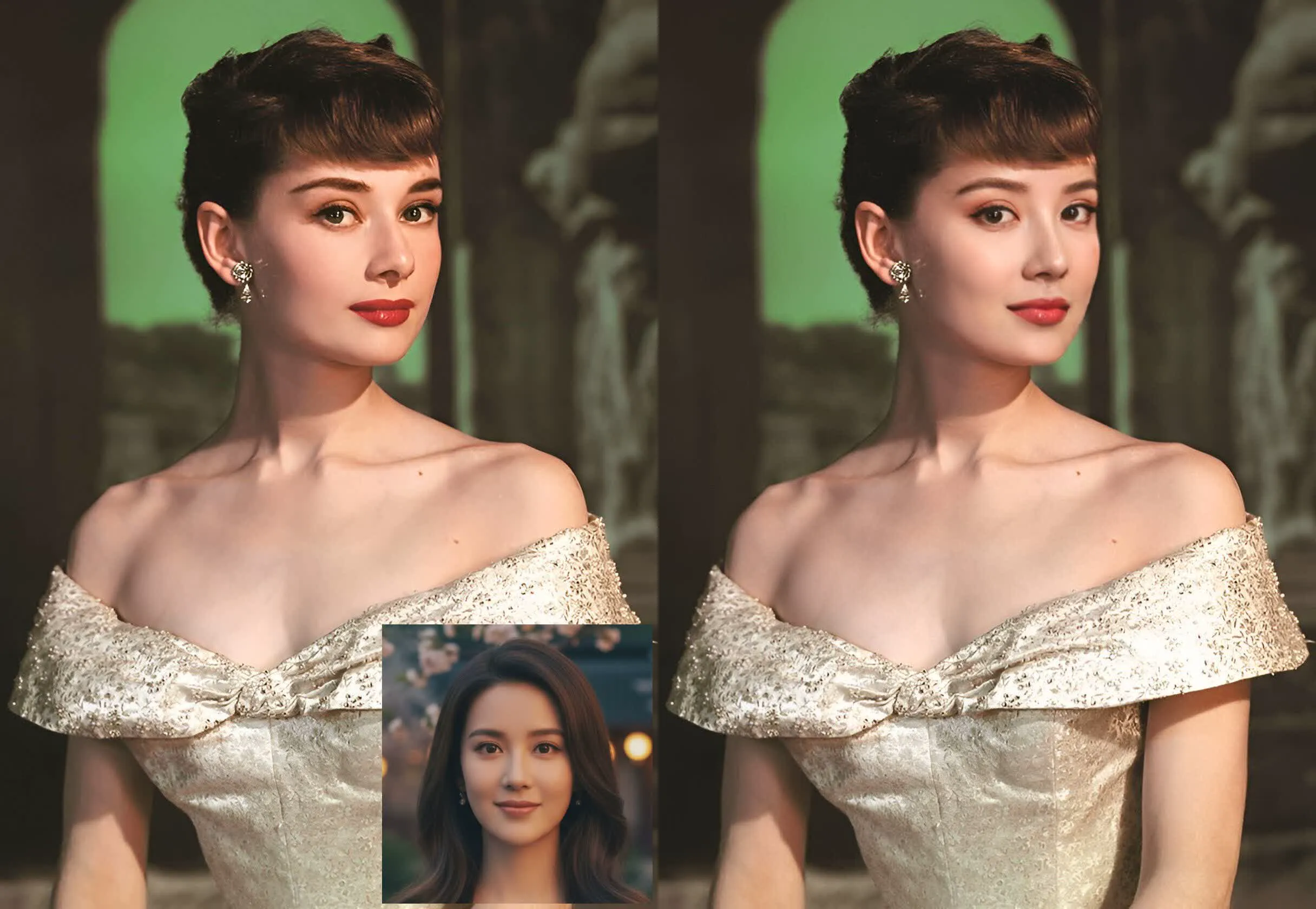

Try Video Fused Face Swap
Upload multiple source photos of the same person and create a video face swap with higher motion consistency, stronger identity fidelity, and cleaner off-angle rendering.