
Features
Interactive Studio
The editor is prepared right after the page settles.
AI Lip Sync for Existing Footage
Lip Sync V1 is built for a focused workflow: upload an existing video, add an external audio track, and render a synchronized output video through the same async video pipeline used by other Morface video jobs.
Keep the original shot and swap in a new voice track
Use Lip Sync V1 when the footage is already good enough, but the spoken line needs a replacement. It is built for redubs, voiceover updates, and narration changes that should not require rebuilding the whole scene.
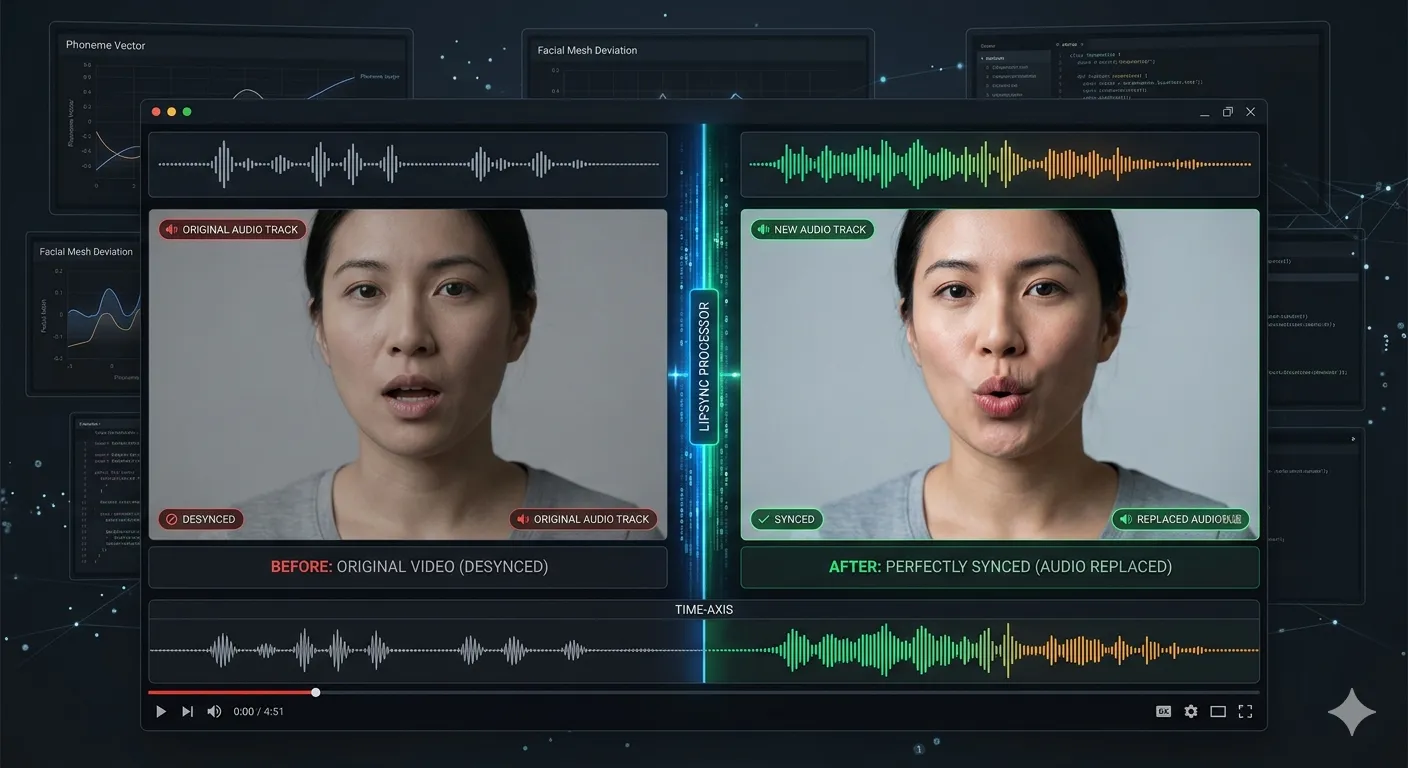
Show the sync result in a way that is easy to compare
The workflow is easy to explain to teammates and clients because the value is concrete: the original video and the new audio line up, and the mouth movement follows the replacement track more naturally.
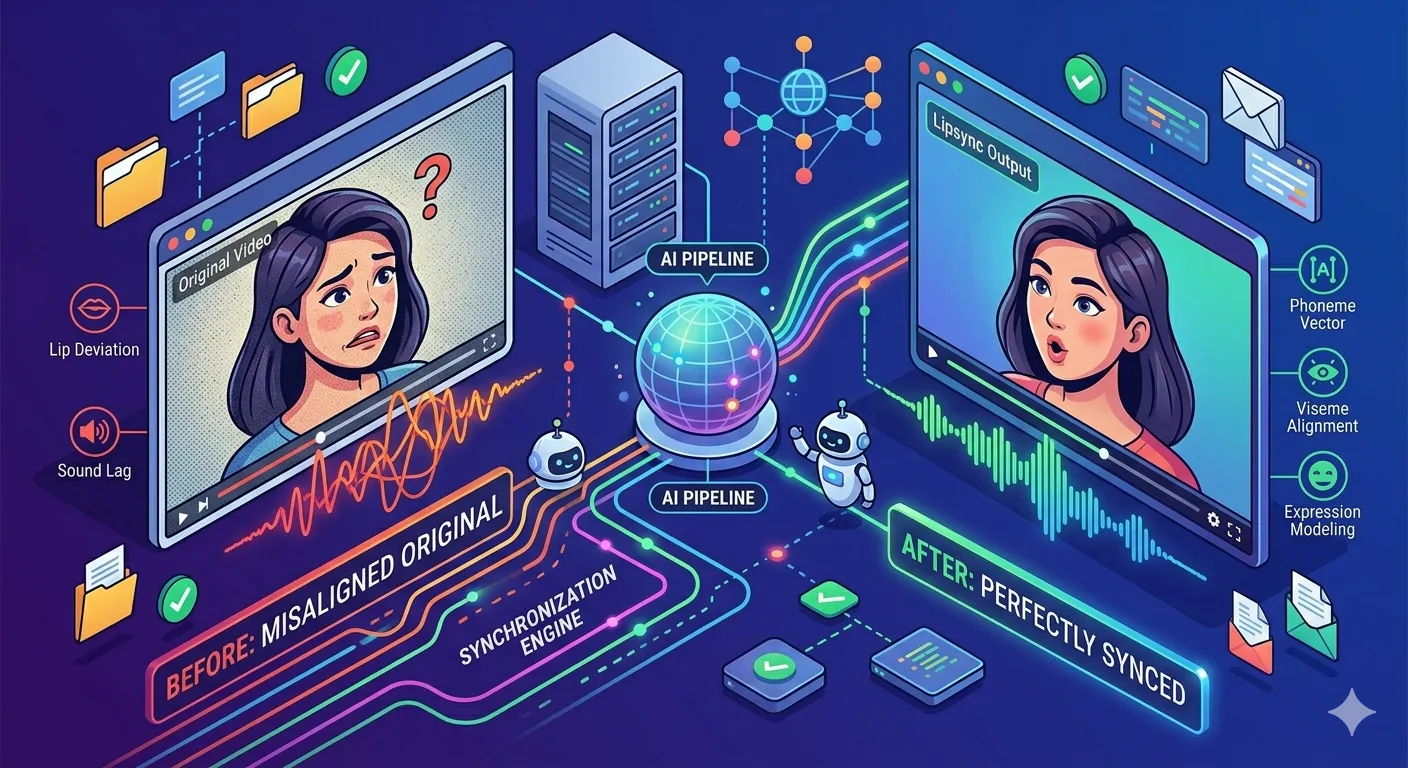
Fit lip sync into the same async video pipeline
Lip Sync V1 uses the same Morface-style job flow as other video tools, so upload, queueing, processing, and final delivery stay familiar even when the input is a target video plus a separate audio source.
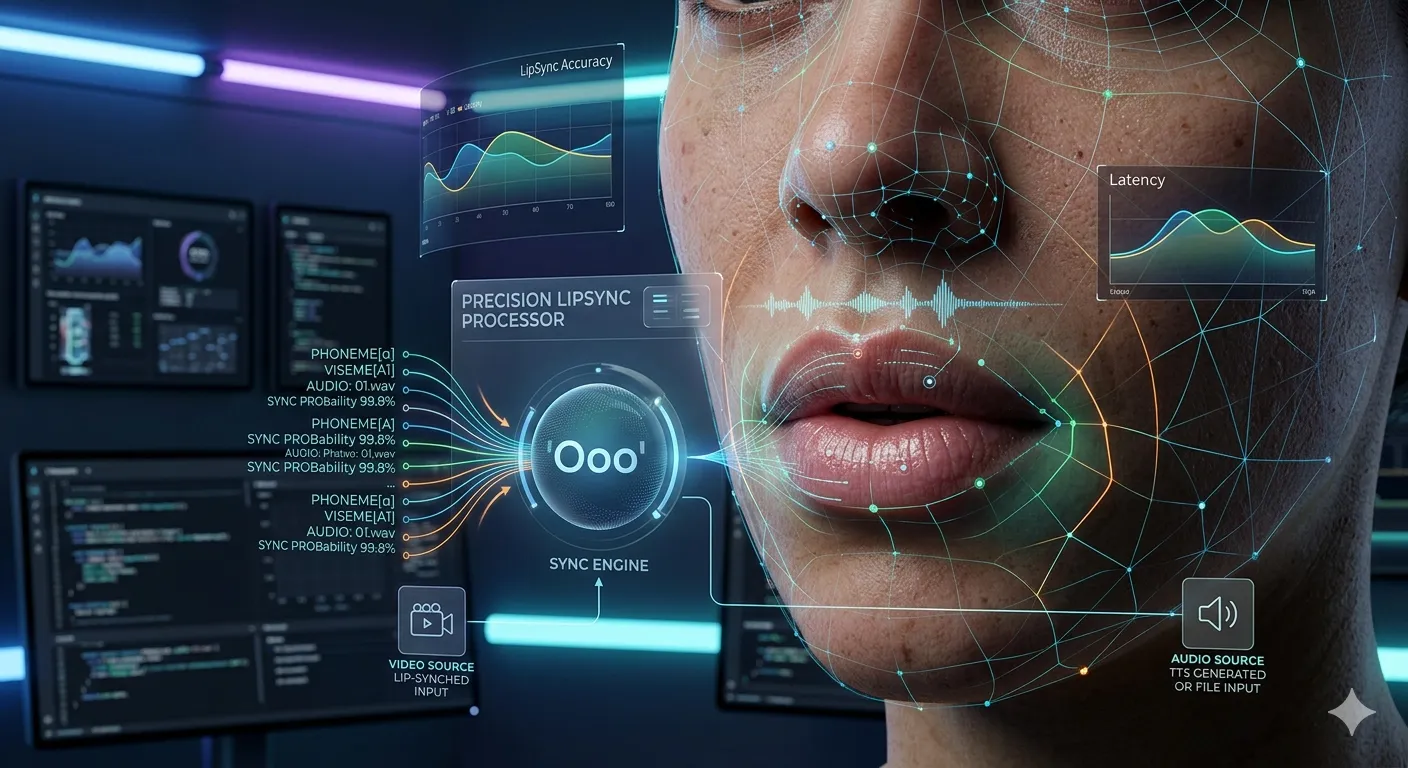
How Lip Sync V1 Works
Step 1
Upload the target video whose mouth movement should be updated.
Step 2
Upload the external audio track that should drive the new lip movement.
Step 3
Submit the job, wait for the video queue to finish, then preview and download the MP4 result.
Perfect For
See how this feature helps professionals across industries
Voiceover Replacement
Replace a spoken track on an existing clip without reshooting the original video.
Creator Dubbing
Test alternate dialogue or narration tracks against the same source footage before a larger localization workflow exists.
Marketing Revision Passes
Iterate on short spokesperson videos when the visual take is good but the spoken line needs to change.
Training and Internal Demos
Update spoken guidance on internal video material while keeping the original visuals intact.
FAQ About Lip Sync
Answers about this feature, supported inputs, generation expectations, and common usage questions.
Explore Other Features


Open the Lip Sync Studio
Upload a target video and an audio track to submit a lip sync job directly from this page.