
Features
AI Text to Image
Describe what you want and generate images in seconds. Use modern AI models to create concept art, product visuals, illustrations, and social graphics from text.
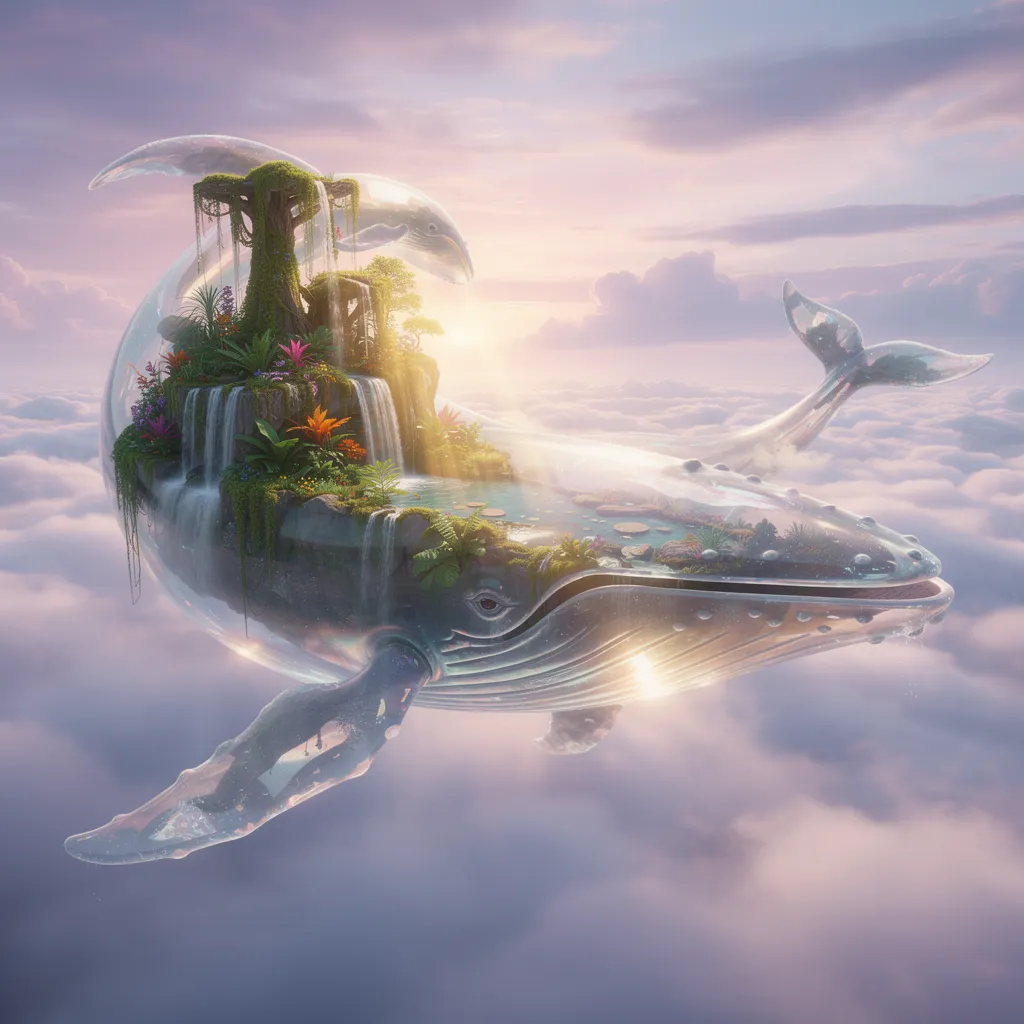
Modern models for realistic and stylized images
Generate clean photoreal visuals, concept art, and stylized illustrations without switching tools.
Pick the format that fits the job
Create square, portrait, or landscape images for social posts, decks, ads, and production-ready assets.
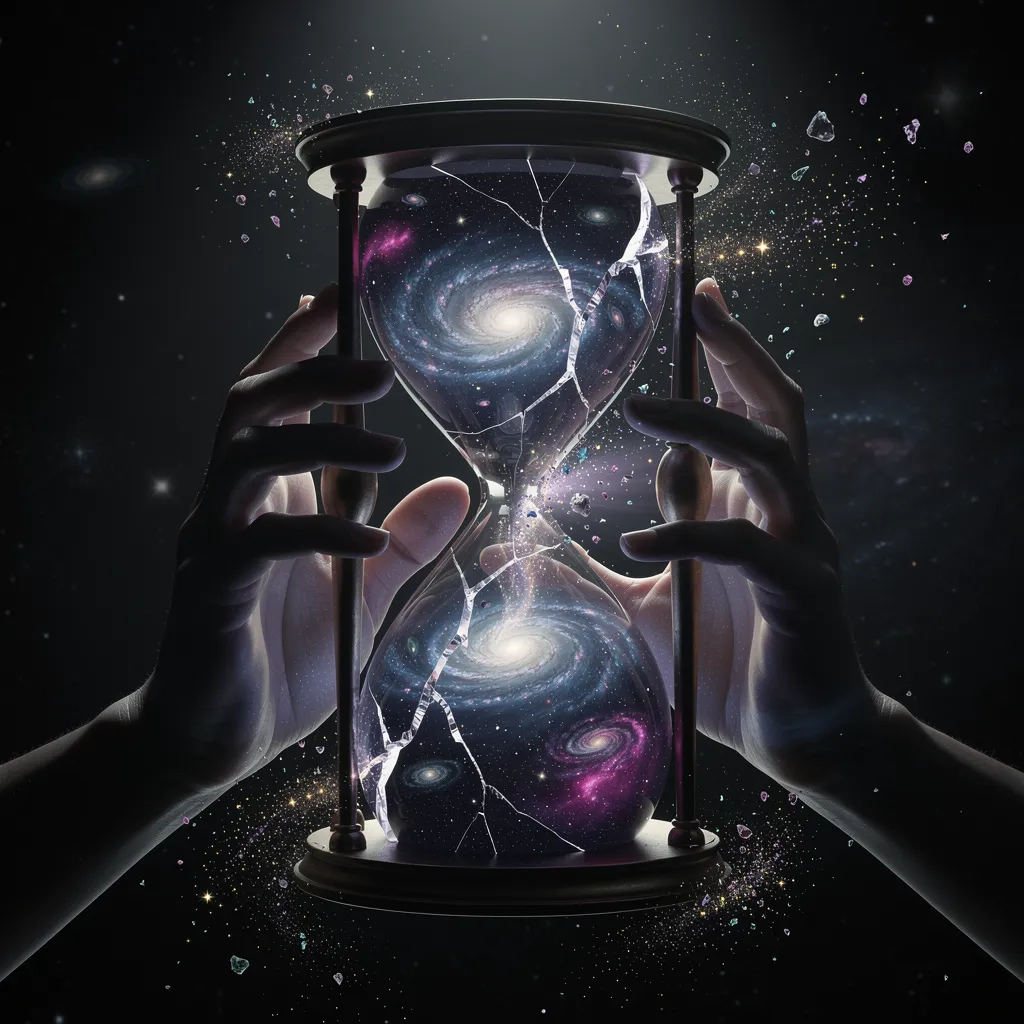
Fast generation with practical controls
Move quickly with simple prompts, then refine with settings like negative prompts, seeds, and output options when you need more control.
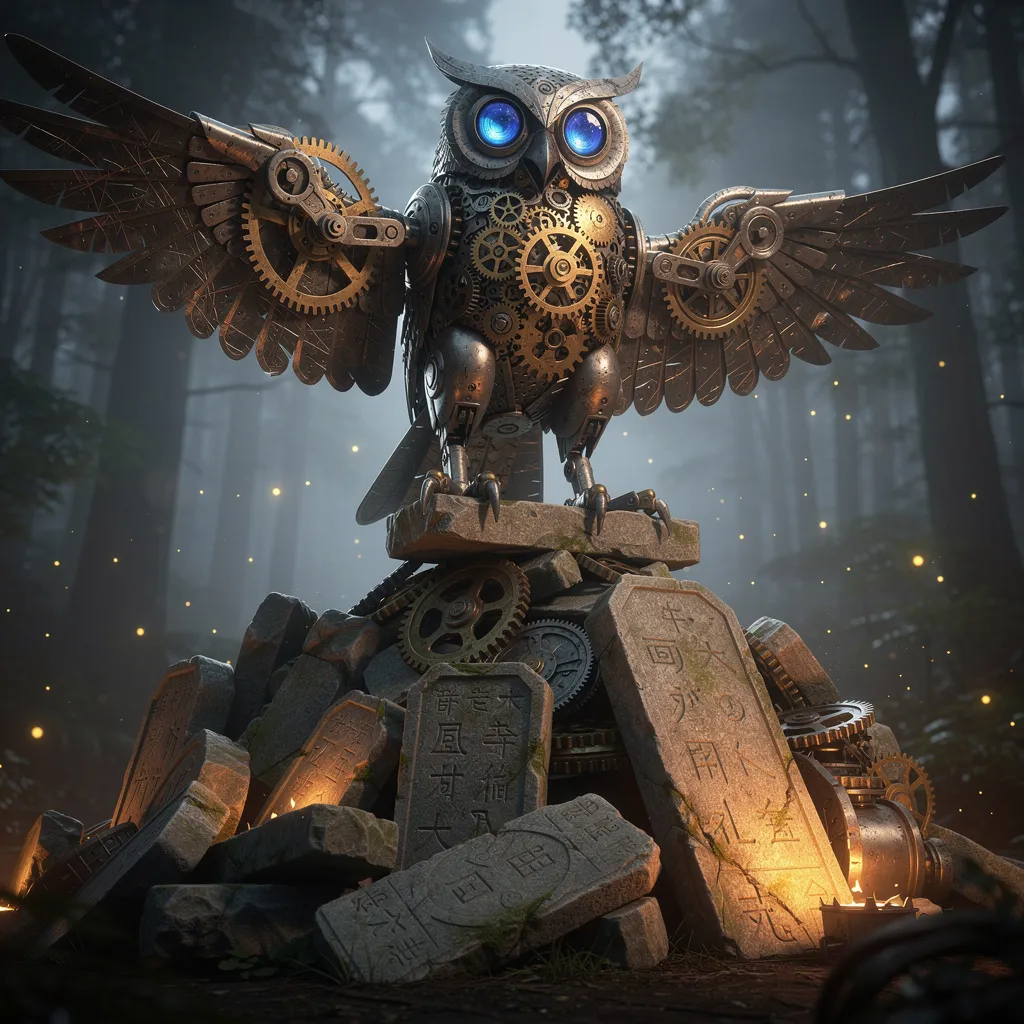
How to Use Text to Image in 3 Steps
Step 1
Enter a prompt describing the image you want.
Step 2
Choose a model and adjust options like aspect ratio if needed.
Step 3
Click generate, wait a moment, and download the result.
Perfect For
See how this feature helps professionals across industries
Content Creation
Generate blog, social, and campaign visuals without relying on stock photos.
Concept Art
Visualize ideas fast for design, storytelling, and creative direction.
Marketing Graphics
Create custom visuals for ads, decks, landing pages, and product storytelling.
FAQ About Text to Image
Answers about this feature, supported inputs, generation expectations, and common usage questions.
Explore Other Features

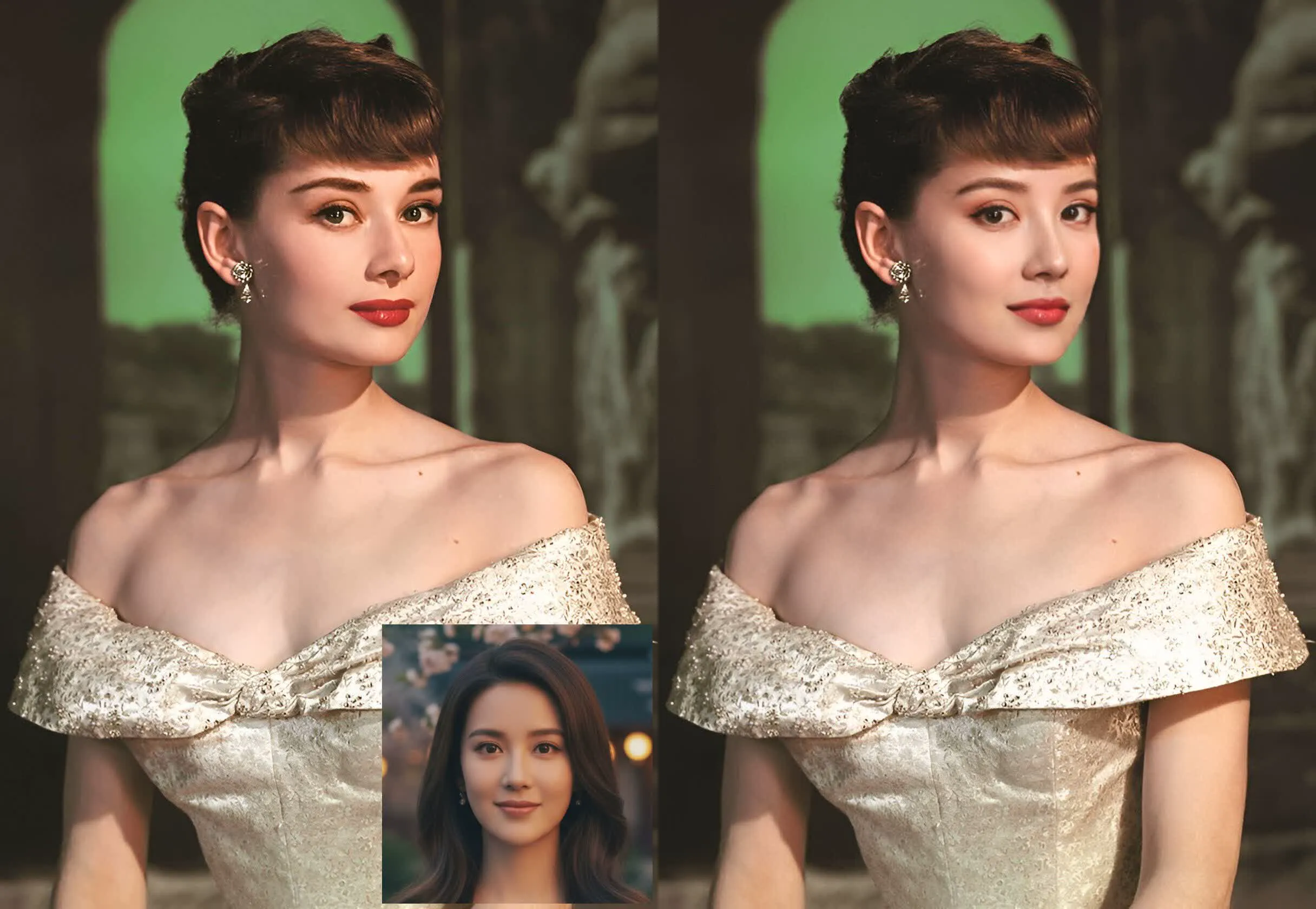
Try AI Text to Image
Write a prompt and generate custom images in seconds.