
Features
Interactive Studio
The editor is prepared right after the page settles.
Photo Face Swap Online
Swap faces in photos online with natural lighting, expression matching, and clean browser-based workflow. Start with portraits, profile pictures, social images, and creator mockups.

Swap faces in photos without leaving the browser
Upload the source face and target image, then generate the final result online. It is a lighter workflow than opening full editing software for every quick test.
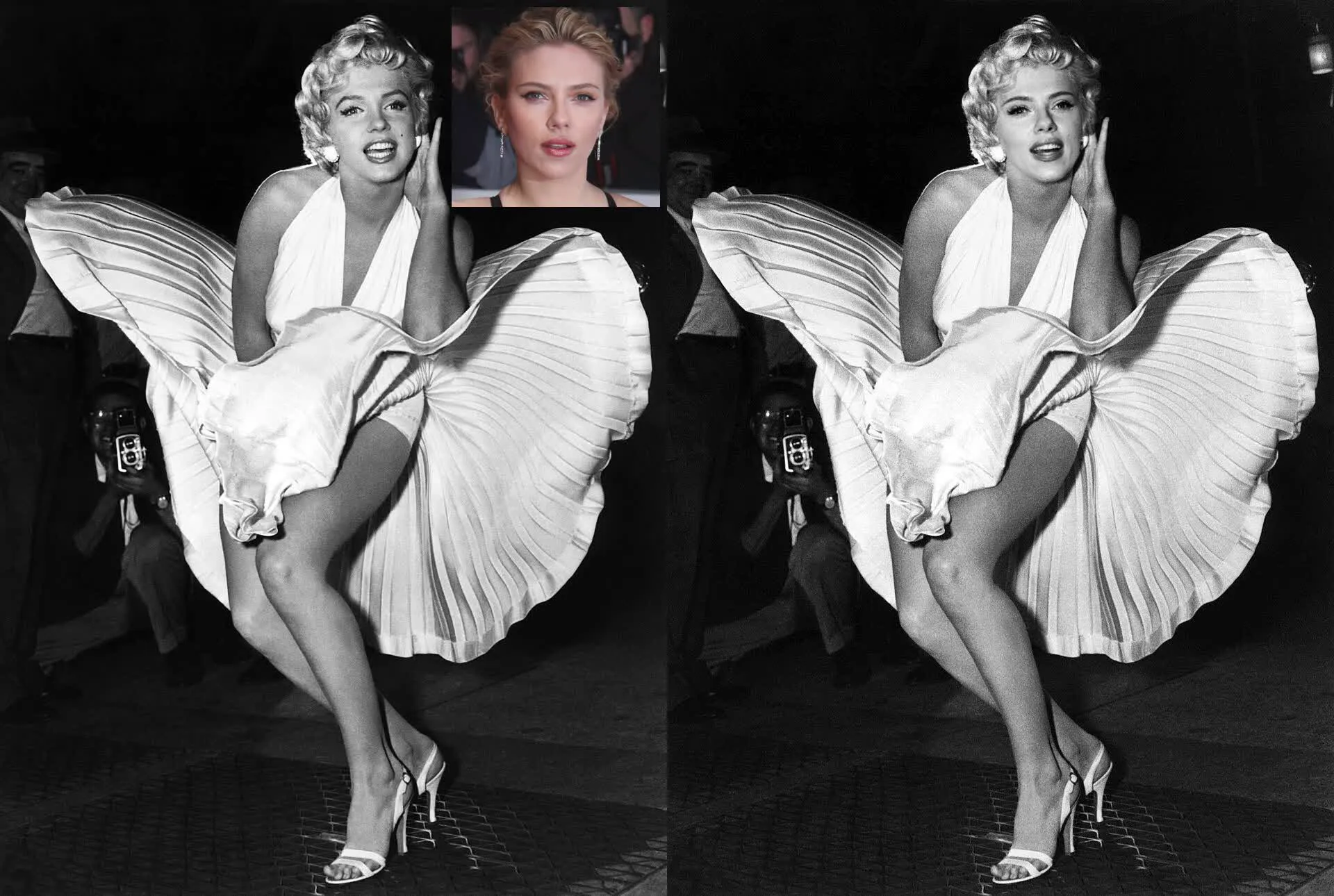
Built for portraits, selfies, and profile images
Photo face swap works especially well when you need a cleaner edit for portraits, selfies, profile pictures, thumbnails, or creator assets.
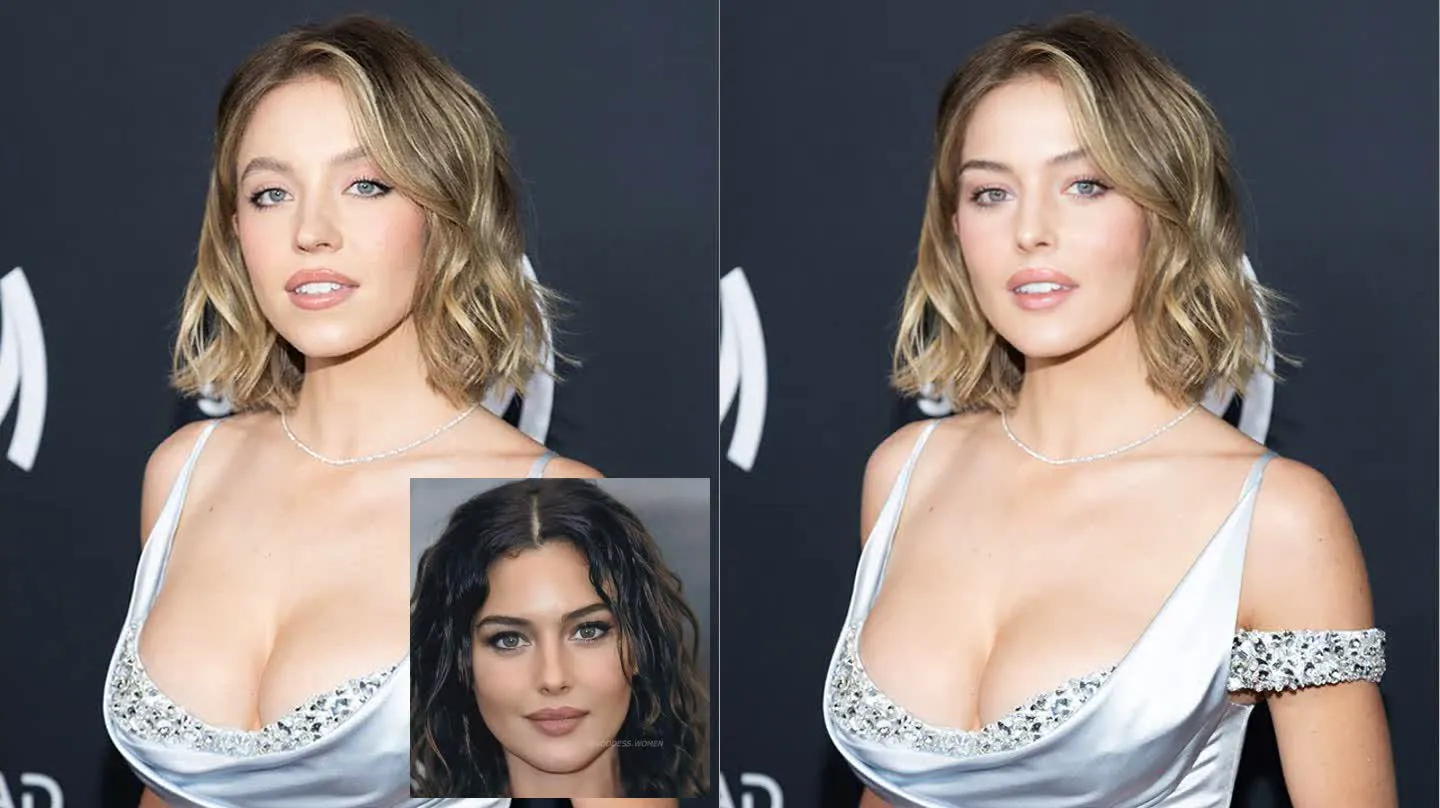
More realistic blending than a pasted-on edit
The model tries to match expression, lighting, and skin tone so the new face sits inside the photo more naturally.

Still works when the image contains more than one person
Use target-face selection when the target image includes several people so you can tell the tool exactly who should be replaced.
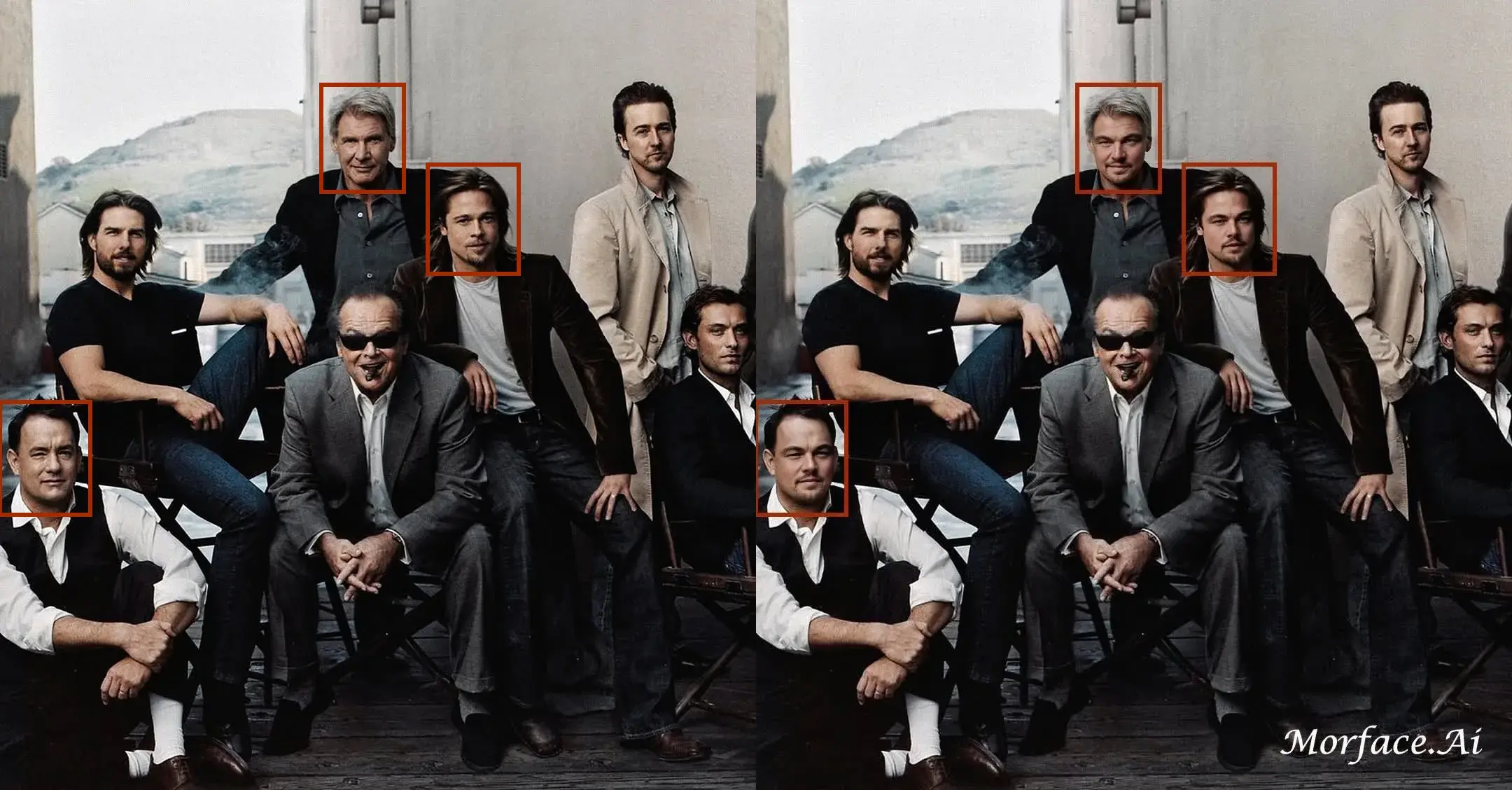
How to Use Photo Face Swap Online
Step 1
Upload the source face image you want to use.
Step 2
Upload the target photo where the face should be swapped.
Step 3
Generate the result online and download the final image.
Perfect For
See how this feature helps professionals across industries
Portraits and Selfies
Swap faces in portraits, selfies, and social profile images while keeping the image more natural.
Thumbnails and Creator Assets
Build creator visuals, promo images, and mockups quickly without manual compositing.
Memes and Social Images
Create funny face swaps, reaction images, and shareable social content from photos.
FAQ About Photo Face Swap Online
Answers about this feature, supported inputs, generation expectations, and common usage questions.
Explore Related Features
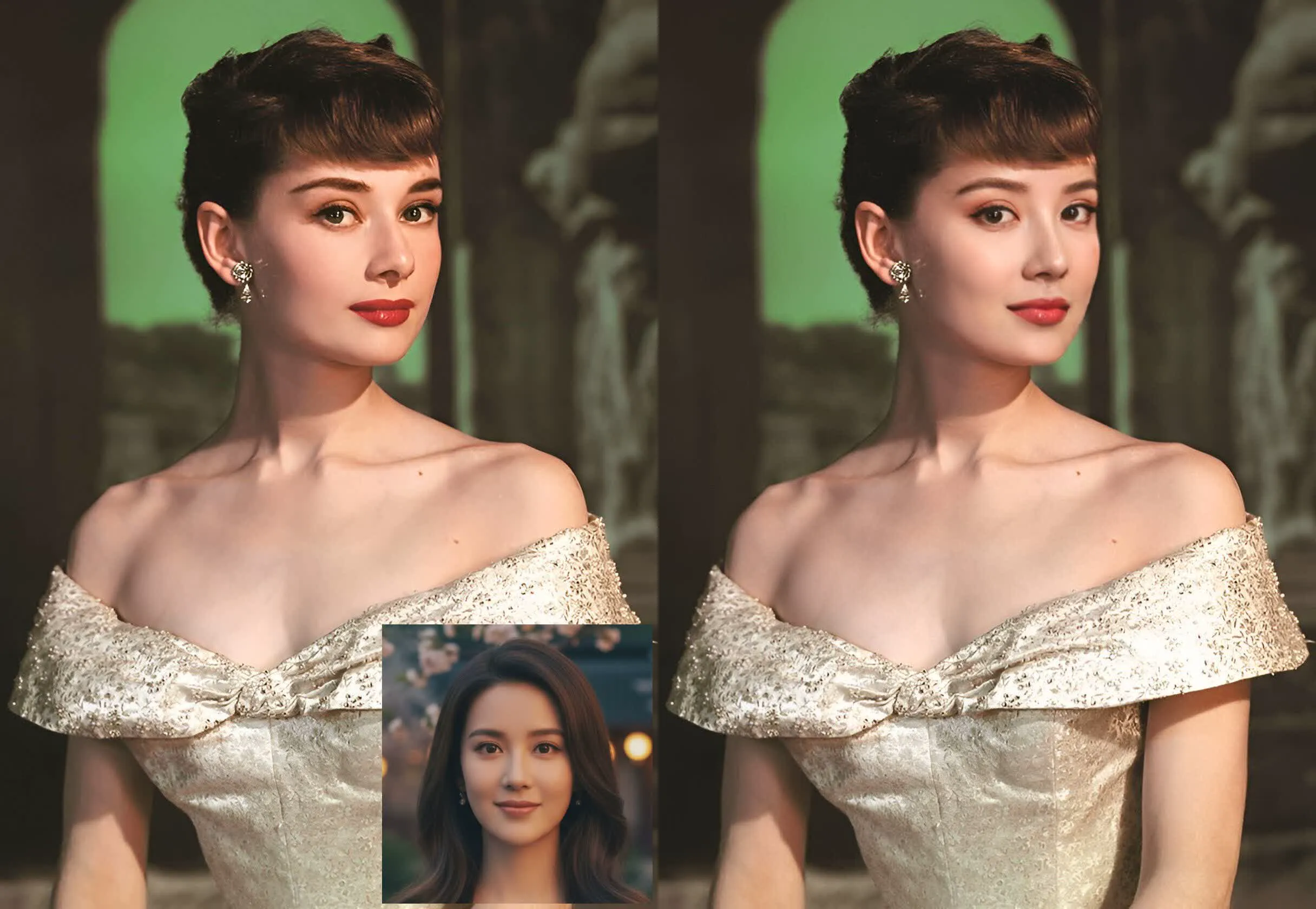

Try Photo Face Swap Online
Upload two photos and create a realistic face swap in your browser.