
Features
Interactive Studio
The editor is prepared right after the page settles.
Multiple Face Swap Online
Handle multi-person photos with a browser workflow that helps you choose the right target faces and keep the result more predictable in crowded images.

Built for photos that contain several visible faces
Multiple face swap is useful when a group picture, event image, or social photo includes more than one face that may need attention.
Target-face selection improves control
When several people appear in the same image, target-face selection helps reduce guesswork and makes it clearer where each swap should happen.
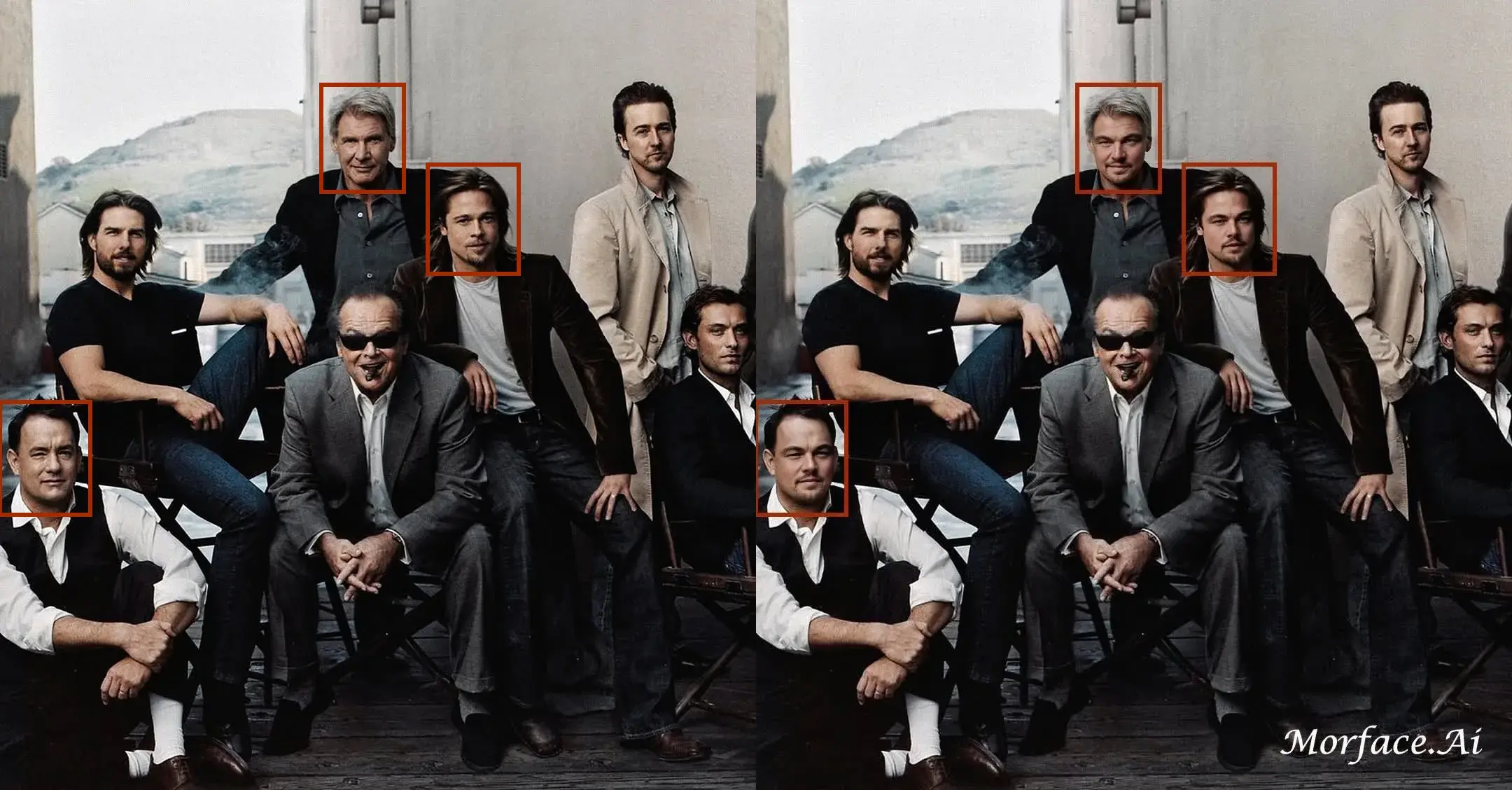
Still aims for natural blending across the composition
The tool still tries to align lighting, skin tone, and expression so the replaced faces sit inside the group image more cleanly, which is why some users describe the result as a Face Merge or Face Mixing workflow.


Useful for events, teams, and creator concepts
This is a practical fit for family photos, team images, wedding compositions, social memes, and poster-style concept visuals.

How to Swap Multiple Faces in a Photo
Step 1
Upload the source face image or images you want to use.
Step 2
Upload the multi-person target photo.
Step 3
Choose the right target faces as needed, then generate and download the final image.
Perfect For
See how this feature helps professionals across industries
Family and Event Photos
Use it on weddings, parties, school photos, and other group images with more than one face.
Teams and Cast Concepts
Build team-photo concepts, cast-style visuals, and parody group compositions.
Memes and Social Images
Create multi-person joke images and shareable social concepts from one photo.
FAQ About Multiple Face Swap
Answers about this feature, supported inputs, generation expectations, and common usage questions.
Explore Related Features
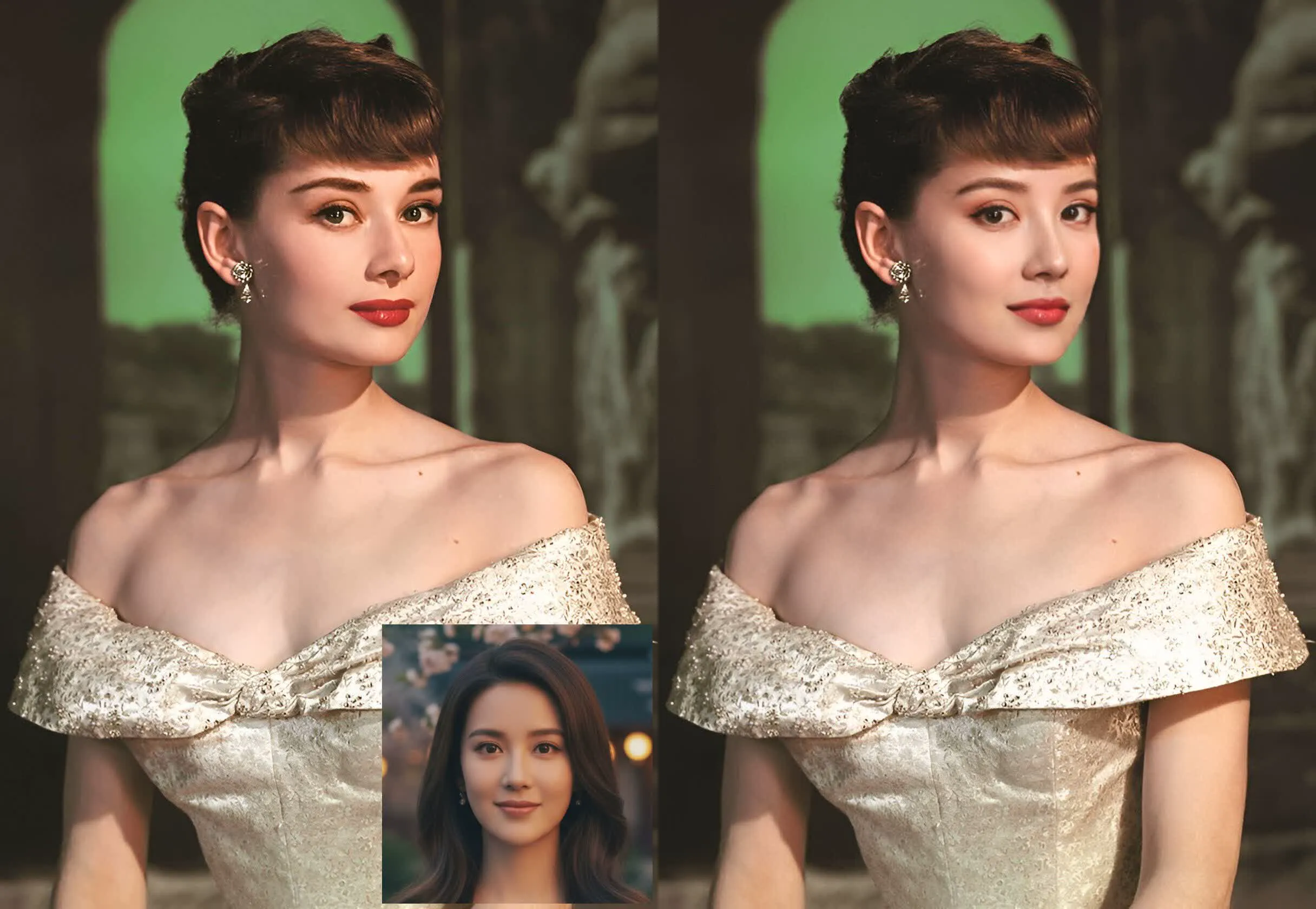
Try Multiple Face Swap
Upload a multi-person photo and create a more controlled face-swap result online.