
Features
Interactive Studio
The editor is prepared right after the page settles.
Group Photo Face Swap Online
Swap faces in group pictures with better control over who gets replaced. Use target-face selection for family photos, event shots, team images, and other crowded scenes.
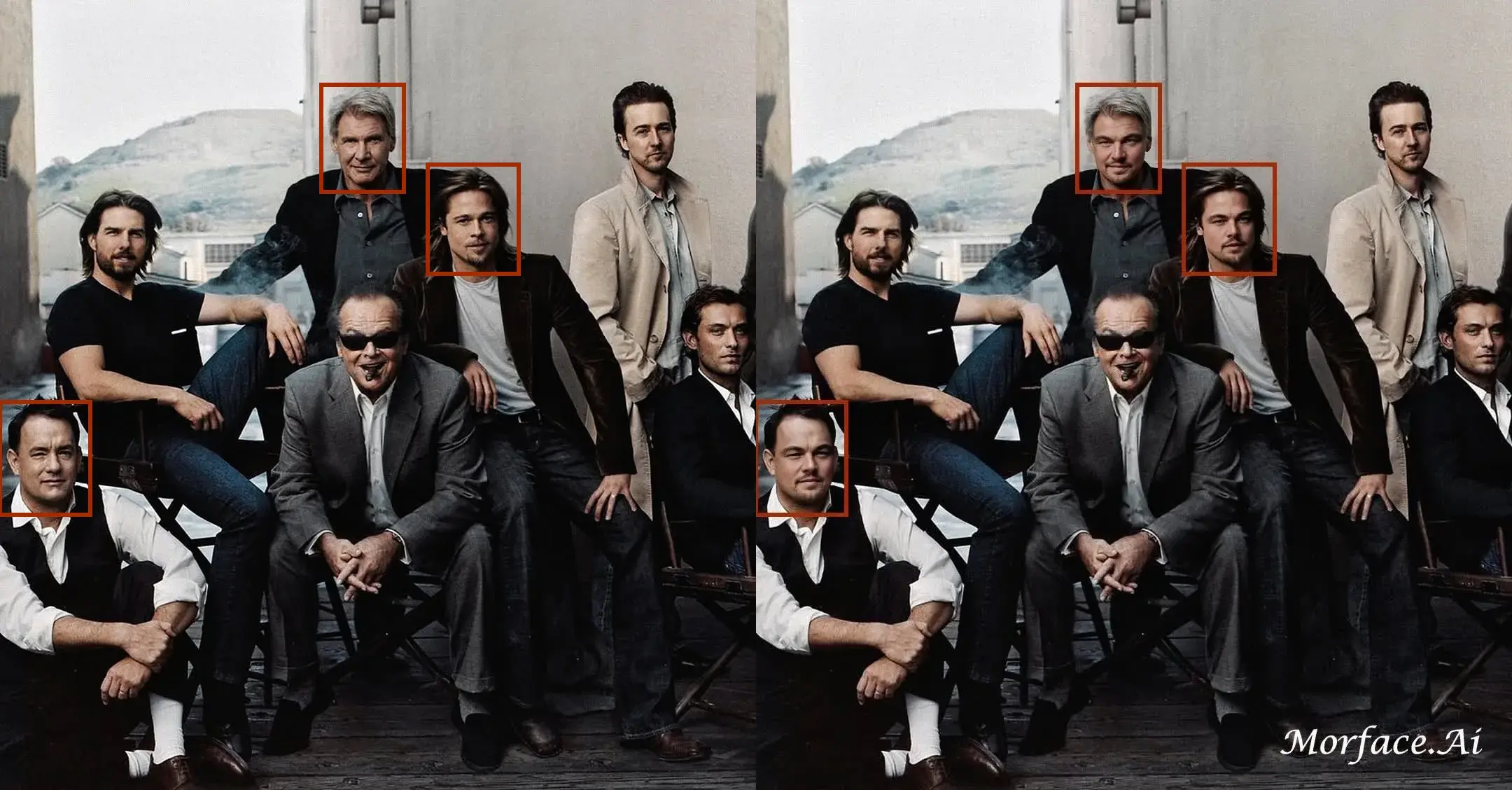
Choose the exact person you want to replace
When a group photo contains several faces, target-face selection helps you tell the tool which person should receive the new face instead of relying only on automatic guessing.
Built for weddings, parties, teams, and family photos
Use it when one person blinked, when a face needs to be replaced for a concept edit, or when you want a meme-ready swap in a photo that includes several people, with cleaner Face Merge behavior on crowded shots.

Keep the result more natural across different faces
The model still matches lighting, expression, and skin tone while handling a busier composition, so the replaced face sits inside the photo more cleanly and supports more natural Face Mixing across the group scene.


Same browser workflow as standard image face swap
Upload the source face, upload the group photo, select the target person if needed, and generate the final image online.
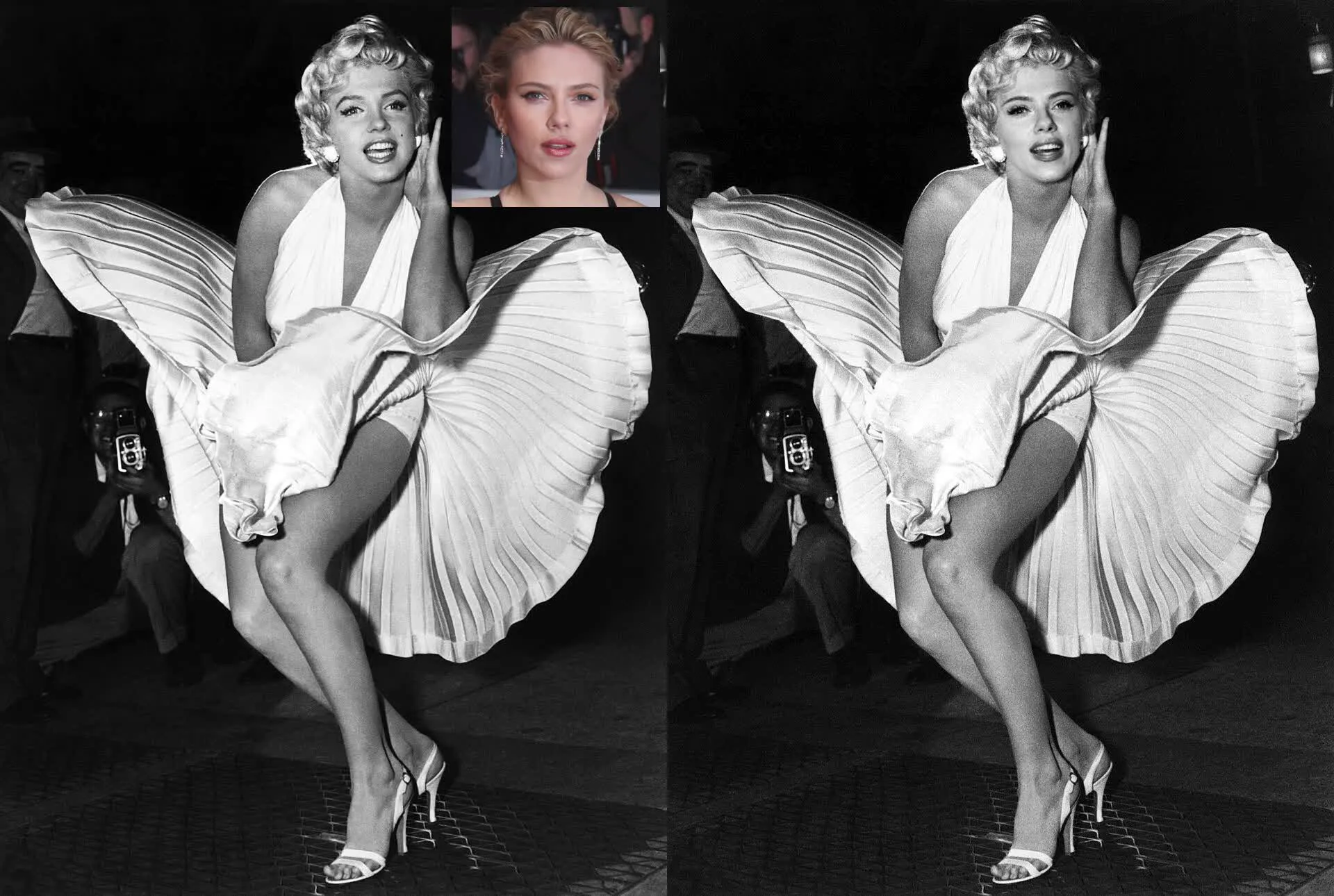
How to Swap Faces in a Group Photo
Step 1
Upload the source face image you want to apply.
Step 2
Upload the group photo that contains the person you want to replace.
Step 3
Select the target face if needed, then generate and download the result.
Perfect For
See how this feature helps professionals across industries
Family and Event Photos
Replace one face in family pictures, party photos, school photos, or event shots with more control.
Wedding and Portrait Edits
Handle multi-person wedding photos, couples shots, and formal group portraits when one face needs to change.
Memes and Team Concepts
Create group memes, parody images, cast concepts, and creator visuals from one shared photo.
FAQ About Group Photo Face Swap
Answers about this feature, supported inputs, generation expectations, and common usage questions.
Explore Related Features
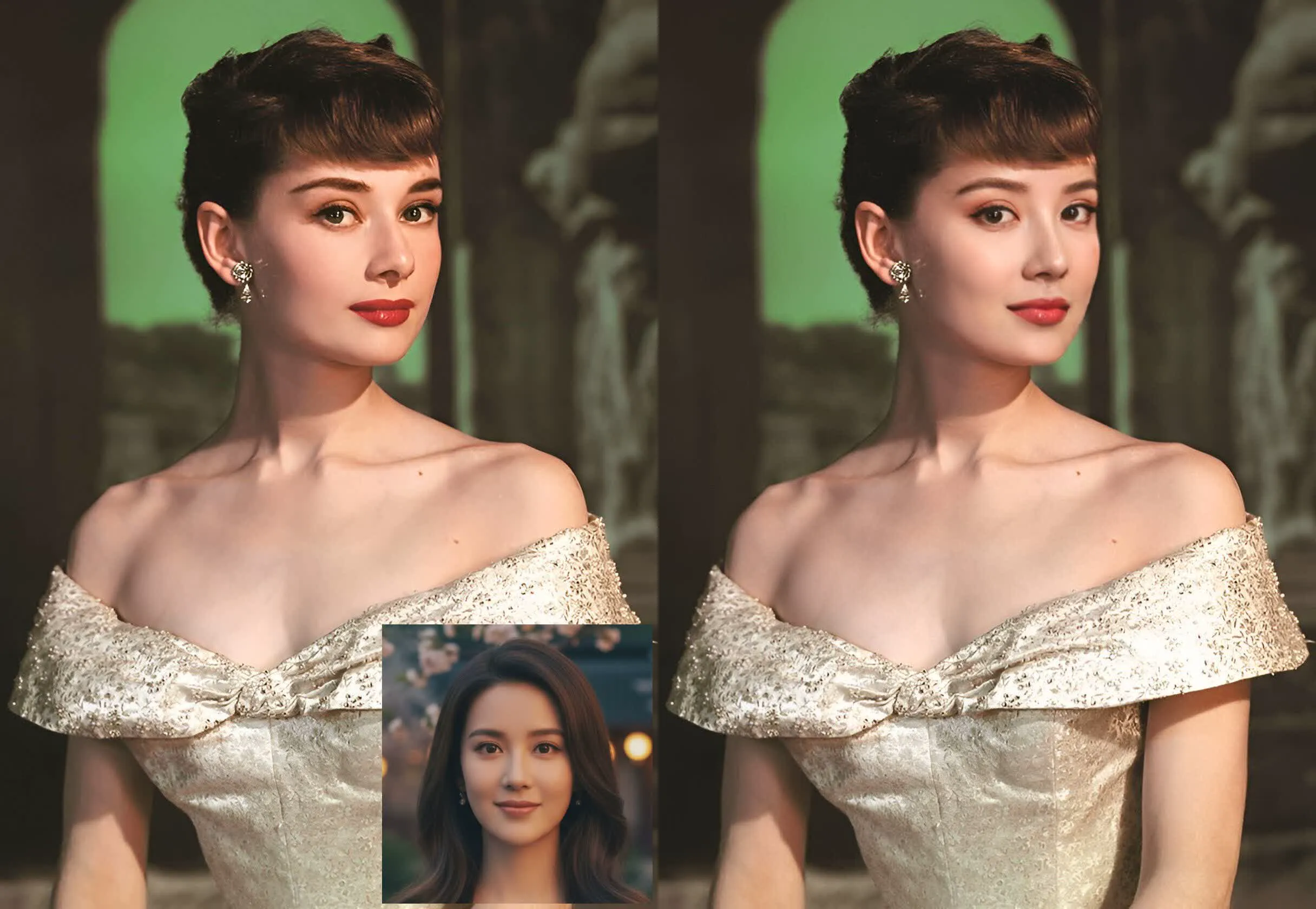

Try Group Photo Face Swap
Upload a source face and a group picture, then replace the right person online.