
Features
Interactive Studio
The editor is prepared right after the page settles.
AI Face Swap Tool Online
Use one AI face swap tool for portraits, selfies, group photos, memes, and creator visuals. Upload a source face, upload a target image, and generate a cleaner result online with the kind of AI Face Changer control many users expect.

One tool for portraits, selfies, and creator visuals
Use the same workflow for profile pictures, portrait edits, concept graphics, and creator mockups without opening a full desktop editor.
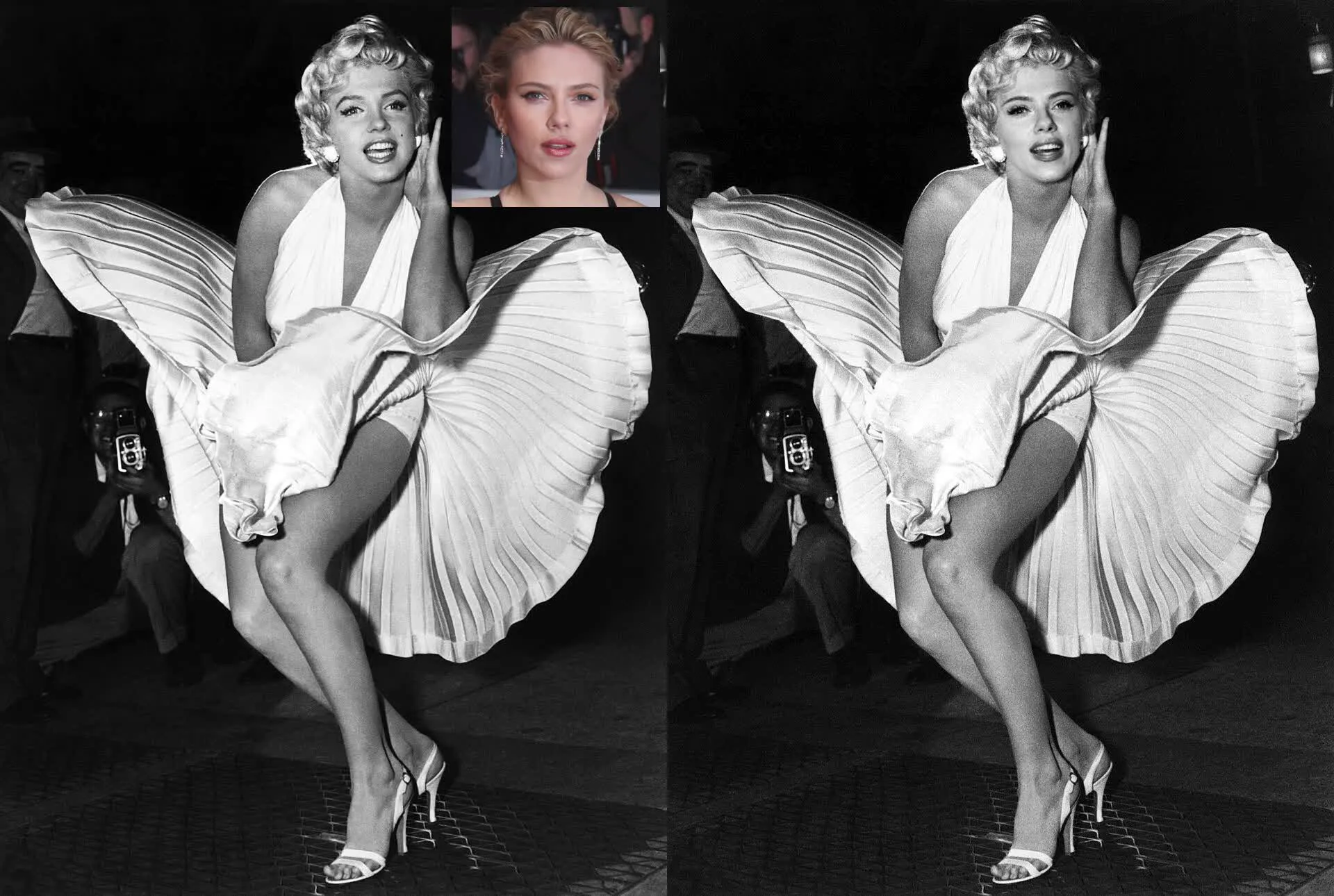
Natural blending instead of a pasted-on face
The model tries to match lighting, expression, and skin tone so the new face fits inside the image more naturally, whether you call it face replacement, Face Changer, or Face Exchange.

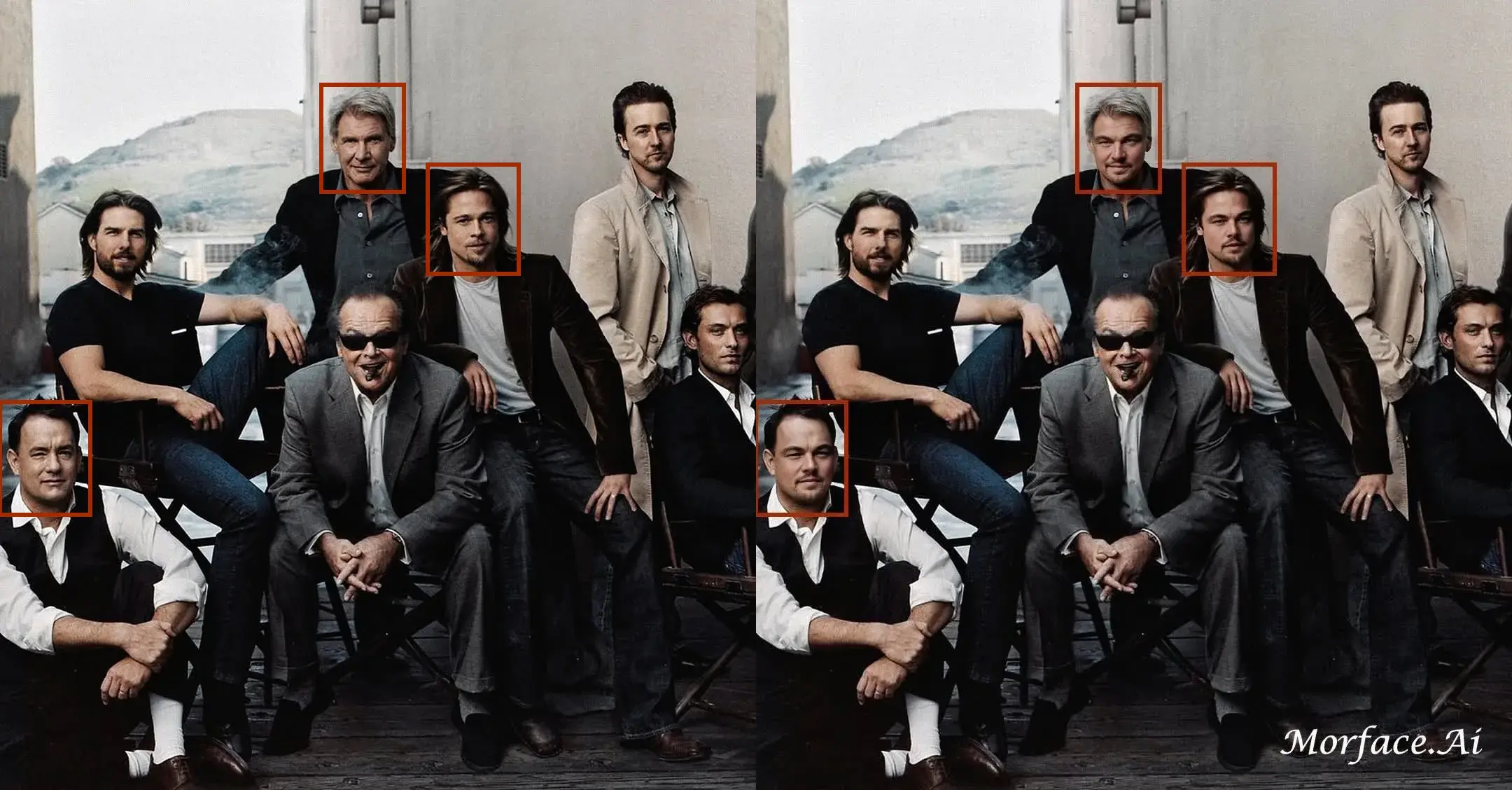
Target-face selection for harder images
When the target image includes more than one person, target-face selection helps you specify exactly which face should be replaced.
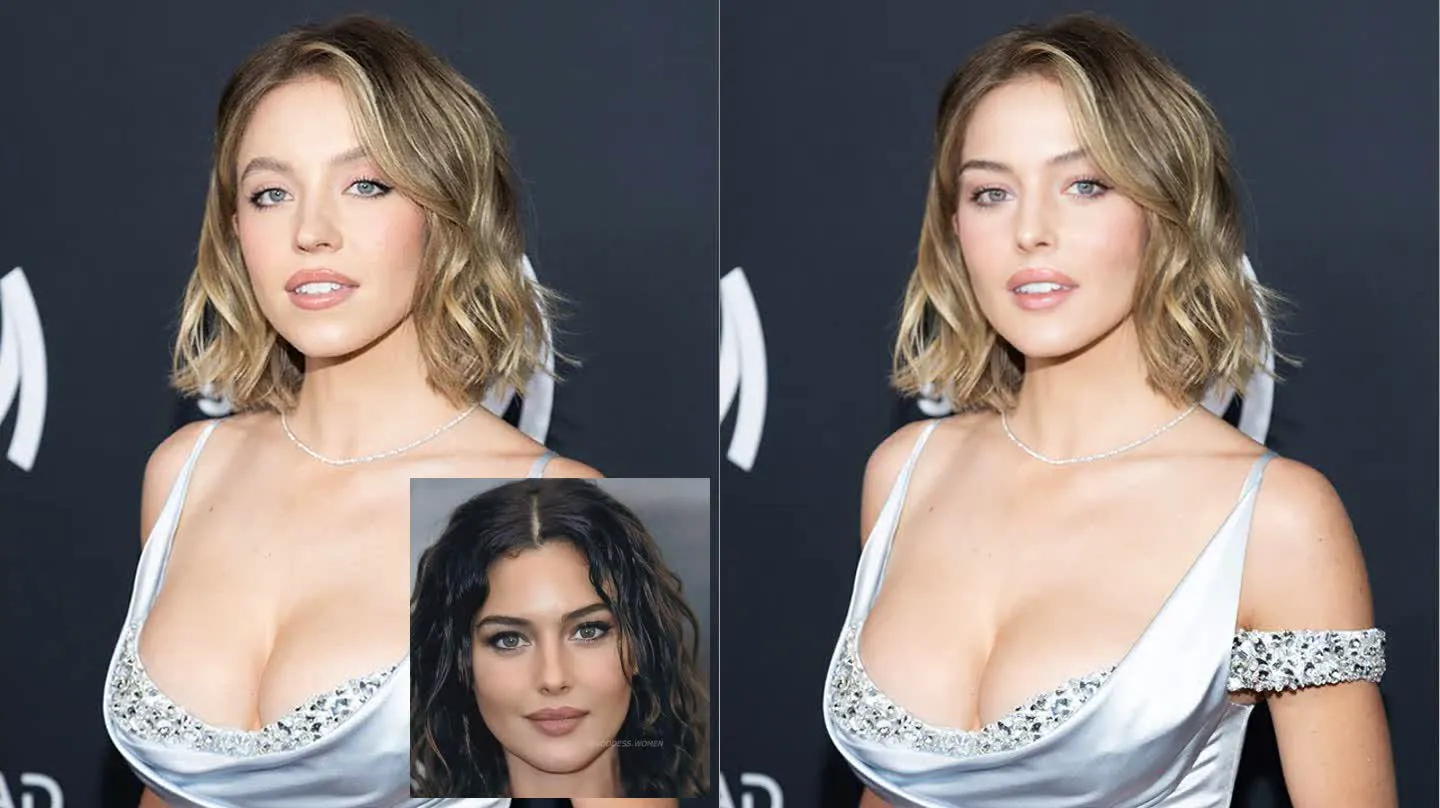
Fast enough for repeated testing
Run quick versions for thumbnails, ad ideas, memes, and profile-image concepts without adding a heavy editing step to every test.
How to Use an AI Face Swap Tool
Step 1
Upload the source face image you want to use.
Step 2
Upload the target image where the face should be replaced.
Step 3
Generate the final image online and download the result.
Perfect For
See how this feature helps professionals across industries
Portrait and Profile Edits
Use the tool for selfies, portraits, profile images, and headshot concepts.
Mockups and Concepts
Test creator ideas, thumbnails, promo visuals, and quick marketing comps.
Group Photos and Memes
Handle multi-person photos, reaction images, and shareable social content.
FAQ About AI Face Swap Tool
Answers about this feature, supported inputs, generation expectations, and common usage questions.
Explore Related Features
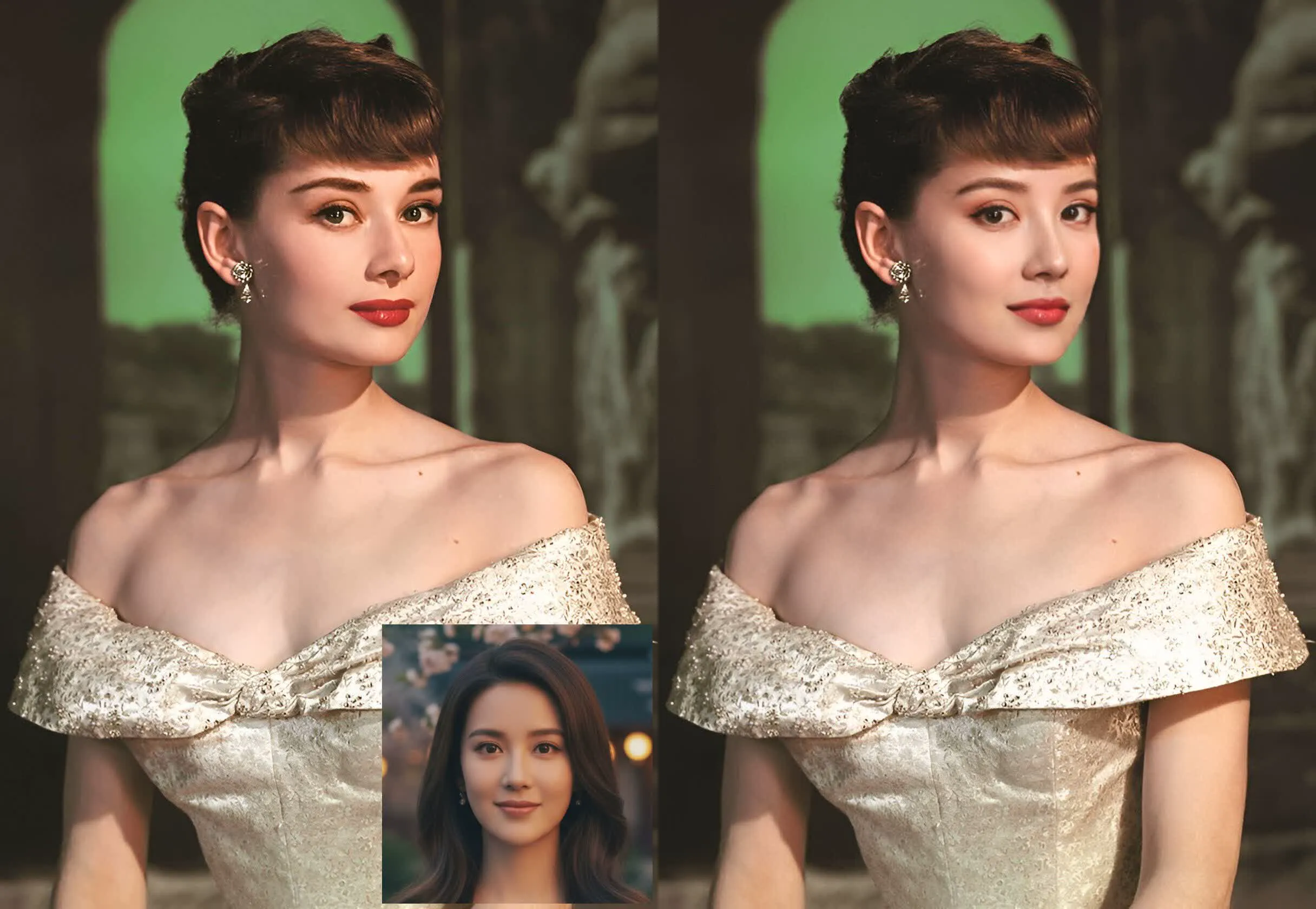

Try the AI Face Swap Tool
Upload two photos and generate a realistic face replacement online.